Inbox Triage

Here's my workflow for managing conversations and to-dos.
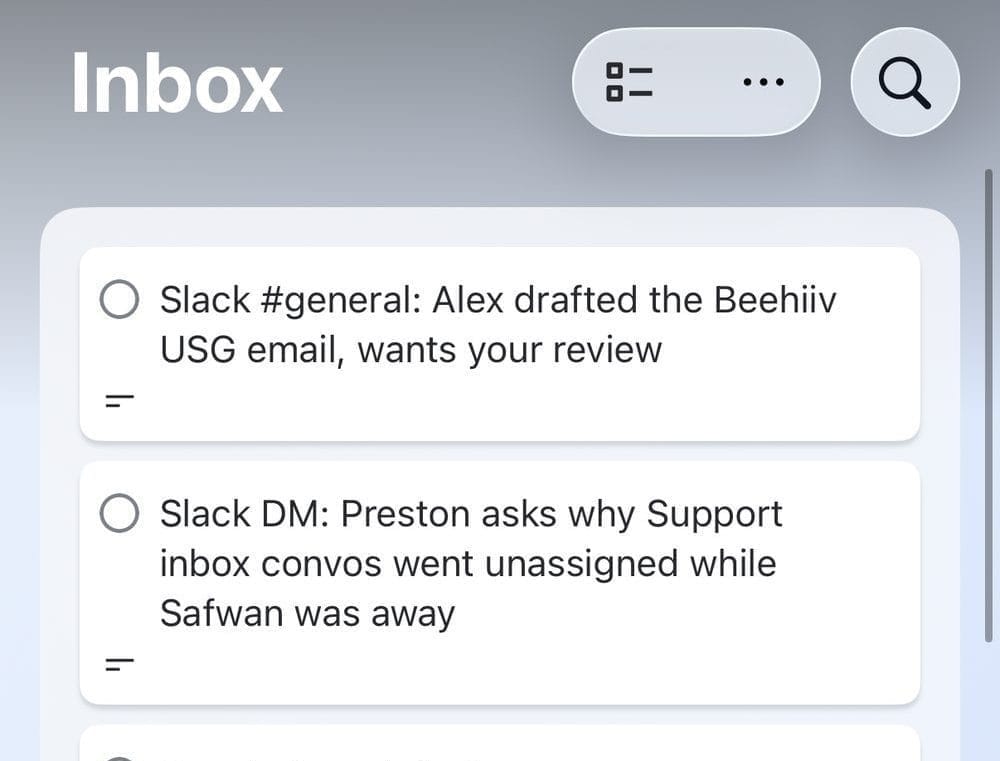
Trello Inbox
I get messages in email, Facebook, X, LinkedIn DMs, Intercom, and two different Slack workspaces.
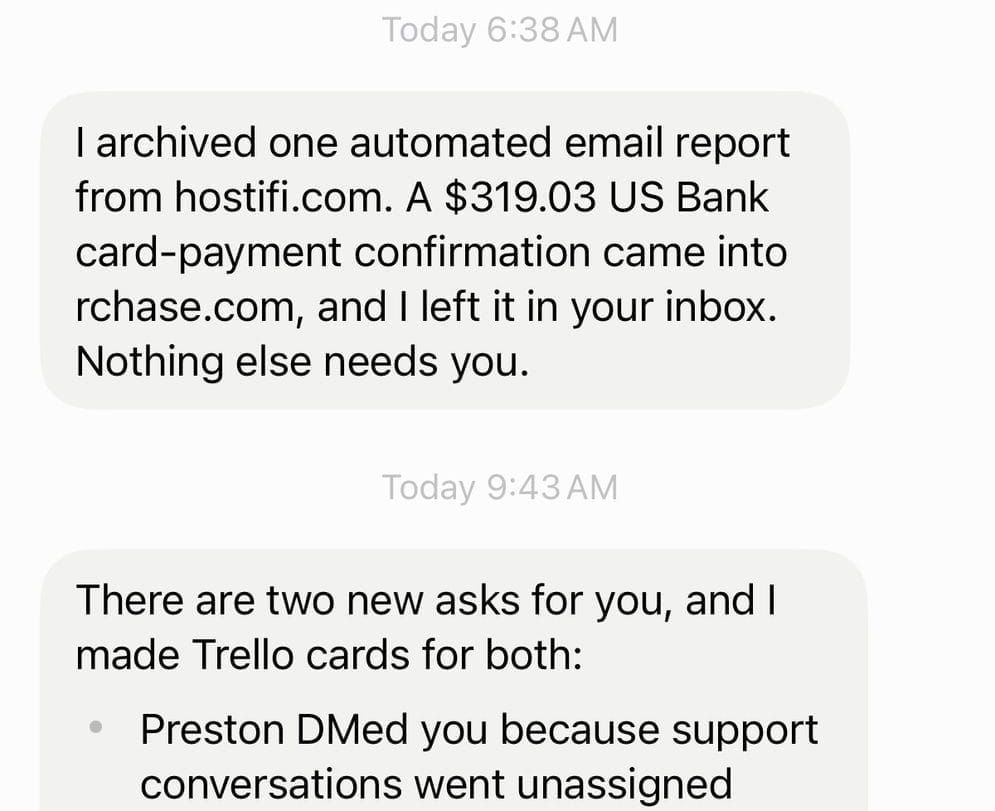
Grok Bot watches all of them, and creates cards in my Trello inbox for anything waiting on me.
If I reply, Grok Bot closes the inbox item in Trello.
If someone replies back and it's waiting on me Grok Bot creates a new inbox card again.
I only need to log into Trello to view conversations in progress across all platforms, then I can prioritize which ones I reply to from there.
Trello Kanban
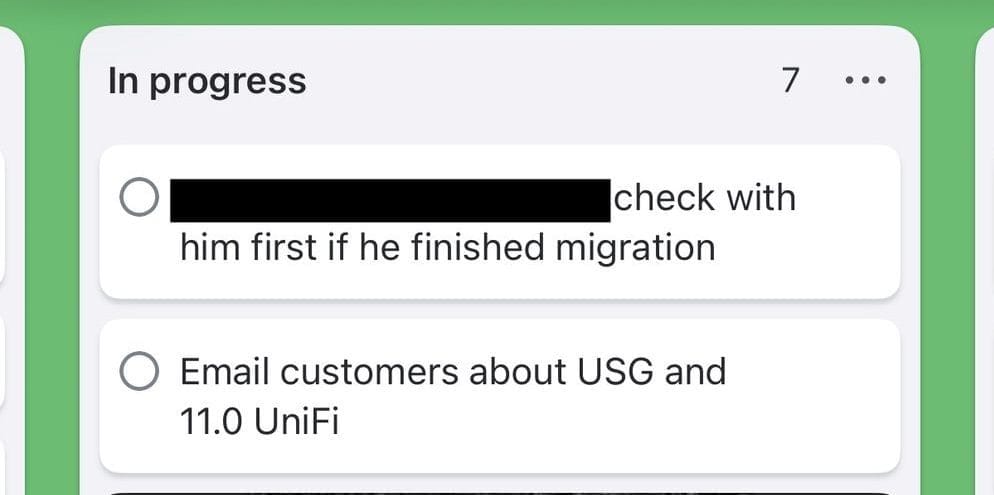
This is where I put project related and to-do items.
I have two separate boards, one for personal one for HostiFi.
In each board I have the following lists:
Icebox - things I'd like to do at some point
On hold - items waiting on someone or something
Not started - what's up next
In progress - currently working on
Done - completed
Closed - not done but removed
Inbox Zero
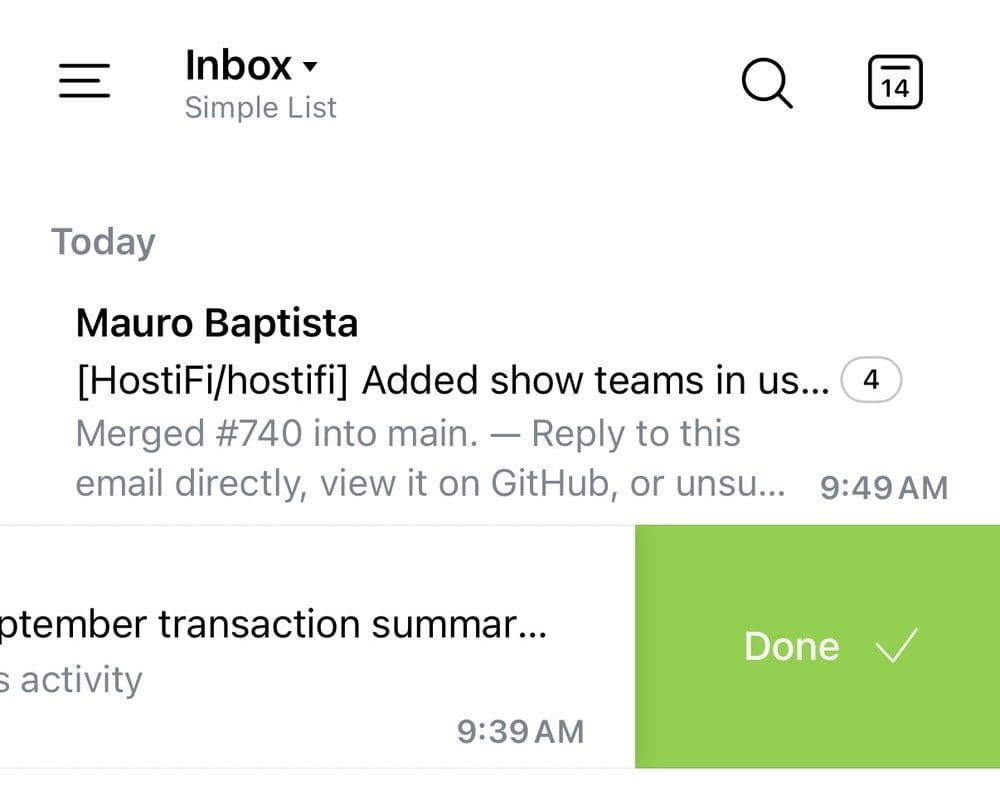
I use Spark Mail.
Every email that comes in I either:
Archive - remove from inbox
Set Aside - move to a separate inbox to reply later
Snooze - reopen in the inbox at a future time
Grok Bot monitors my inbox and automatically closes any spam and unsubscribes from newsletters so I have fewer emails to archive.

Hotkeys and swipes
To speed up processing emails I configured hotkeys and swipes.
macOS
CMD + E to Archive. It's just easier to reach than A.
CMD + S to Snooze.
CMD + R to Reply.
iOS
Swipe right to Set Aside.
Swipe left to Archive.